Mastering HTML
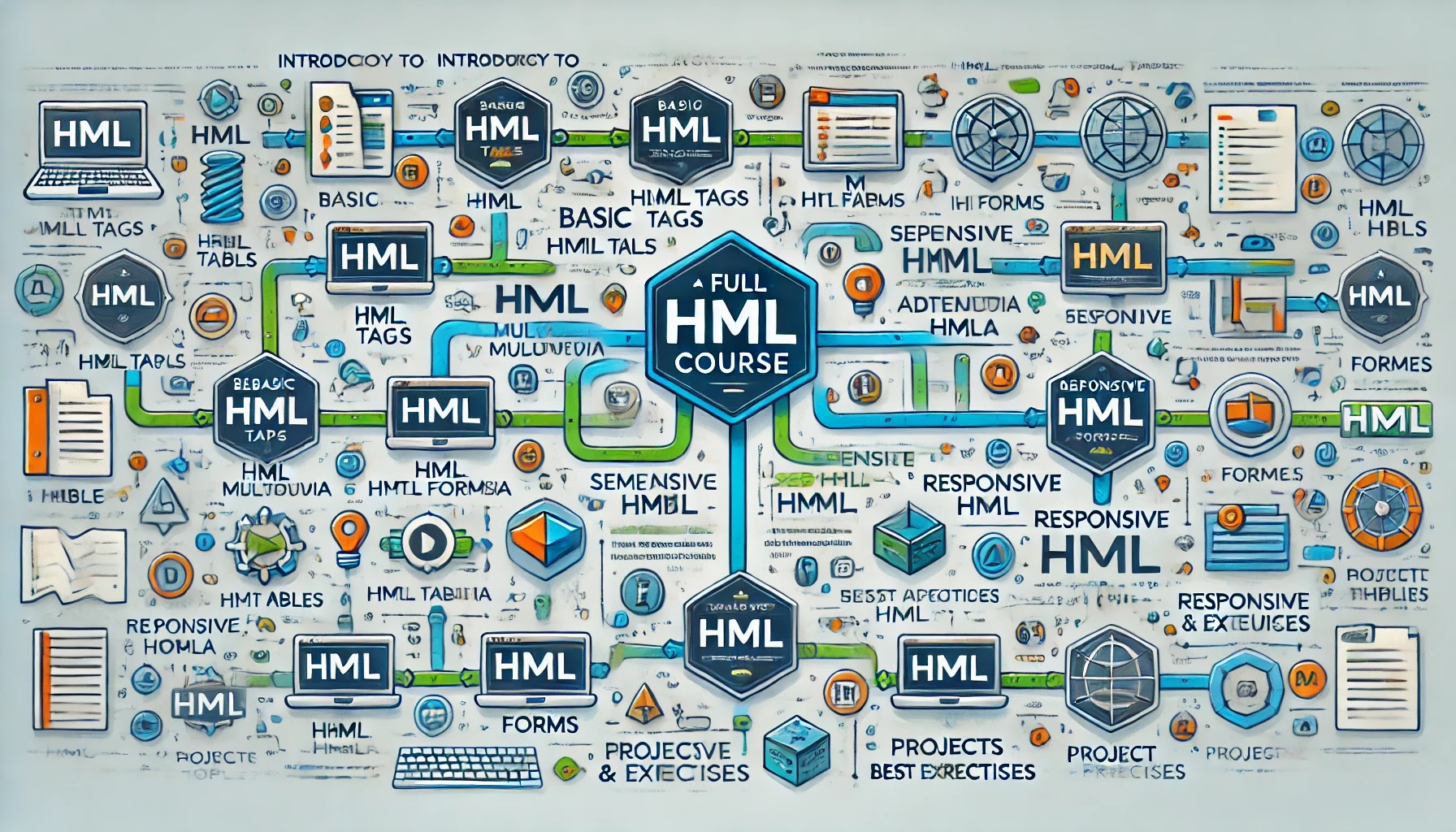
HTML Full Course Outline
1. Introduction to HTML
- What is HTML?
- Importance of HTML in Web Development
- Structure of an HTML Document
<!DOCTYPE html><html>,<head>, and<body>tags
- Tools for Writing HTML (Code editors like VS Code, Sublime Text, etc.)
- First HTML File: “Hello World” Example
2. Basic HTML Tags
- Headings:
<h1>to<h6> - Paragraphs:
<p> - Text Formatting:
- Bold:
<b>,<strong> - Italics:
<i>,<em> - Underline:
<u> - Superscript:
<sup>and Subscript:<sub>
- Bold:
- Lists:
- Ordered List:
<ol>and<li> - Unordered List:
<ul>and<li> - Definition List:
<dl>,<dt>,<dd>
- Ordered List:
- Links:
<a>and Attributes likehrefandtarget
3. HTML Multimedia
- Images:
<img>and Attributes (src,alt,width,height) - Videos:
<video>and Attributes (controls,autoplay,loop) - Audio:
<audio>and Attributes (controls,autoplay,loop) - Embedding Content:
<embed>and<iframe>
4. HTML Tables
- Structure of Tables:
<table>,<tr>,<td>,<th> - Attributes:
border,cellpadding,cellspacing - Merging Cells:
colspanandrowspan - Table Caption:
<caption>
5. HTML Forms
- Form Basics:
<form>and its Attributes (action,method) - Input Types:
<input>and its Attributes- Text, Password, Email, Number, Date, File Upload
- Labels:
<label>and Associating with Inputs - Textarea:
<textarea> - Dropdown Menus:
<select>and<option> - Radio Buttons and Checkboxes
- Buttons:
<button>and Input Button Types - Validation Attributes:
required,maxlength,min,max
6. HTML Attributes
- Global Attributes:
id,class,style,title,lang,data-* - Inline Styles: Using the
styleAttribute - Accessibility Attributes:
aria-*
7. Semantic HTML
- Importance of Semantic HTML
- Common Semantic Tags:
<header>,<nav>,<main>,<section>,<article>,<footer><aside>,<figure>,<figcaption>,<details>,<summary>
- Using
<div>and<span>When Necessary
8. Advanced Topics
- Meta Tags:
<meta>for Character Encoding, Keywords, Description, Viewport
- Favicons:
<link>Tag - HTML Entities
- Comments:
<!-- Comments -->
9. Responsive HTML
- Introduction to Responsive Design
- Viewport Meta Tag for Mobile Optimization
- Media Queries (Using with CSS)
- Flexible Images and Videos with
max-width
10. Best Practices
- Code Formatting and Indentation
- Using Meaningful Tags
- Accessibility Tips
- Alt Text for Images
- ARIA Roles and Landmarks
- SEO Basics:
- Proper Heading Hierarchy
- Meta Descriptions
11. Projects and Exercises
- Build a Personal Portfolio Page
- Create a Simple Blog Layout
- Build a Contact Form with Validation
- Design a Basic Landing Page
- Create a Responsive Navigation Bar

